Night photography is one of the most technically demanding styles in Lightroom editing. Getting the right balance between noise reduction, shadow recovery, and color accuracy across wildly different light sources: streetlamps, moonlight, neon signs, stars, takes time to dial in from scratch.
These presets give you a tested starting point for 10 different night-shooting scenarios, from astrophotography and cityscapes to moody portraits and vintage moonlight scenes. Each preset is available as both DNG (for Lightroom Mobile) and XMP (for Lightroom Classic on desktop), and each one was tested on real RAW files before being included here.

Pauline Jackson
My work is heavily influenced by real-world shooting conditions: mixed lighting, unpredictable environments, and large batches of photos that require consistency.
100 Night Lightroom Presets Free Download
First off, night photography is tricky. The low light, the weird color casts, the grainy noise. It’s like the universe is conspiring against your creativity. Night Presets are built to tackle those headaches head-on, instantly balancing exposure, boosting colors, and smoothing out the chaos. Each preset is a one-click ticket to a specific mood or style, custom-made for night shots, so you’re not fumbling in the dark. Grab these presets now, and let’s make your night shots the stuff of legend. You in?
- Pauline Jackson
- 1. Starry Night – Astrophotography Presets
- 2. Urban Night / Cityscape Presets
- 3. Moody Night Portrait Presets
- 4. Neon Glow / Cyberpunk Presets
- 5. Black & White Night Presets
- 6. Colorful Night Presets
- 7. Vintage Moonlight Presets
- 8. Soft Glow Presets
- 9. Twilight Haze Presets
- 10. Deep Night Minimal Presets
- Bonus: 30+ Dark Presets
1. Starry Night – Astrophotography Presets
Astrophotography requires a very specific editing approach: you need to brighten the sky enough to reveal star detail without crushing the shadows or creating a flat, overexposed look. These starry night presets are built around long-exposure RAW files shot at ISO 1600–6400, where the main challenges are noise, sky color cast, and preserving the natural look of the foreground.
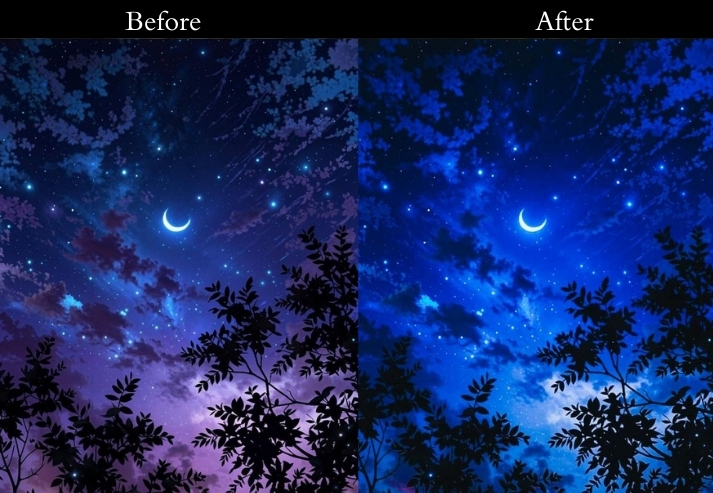
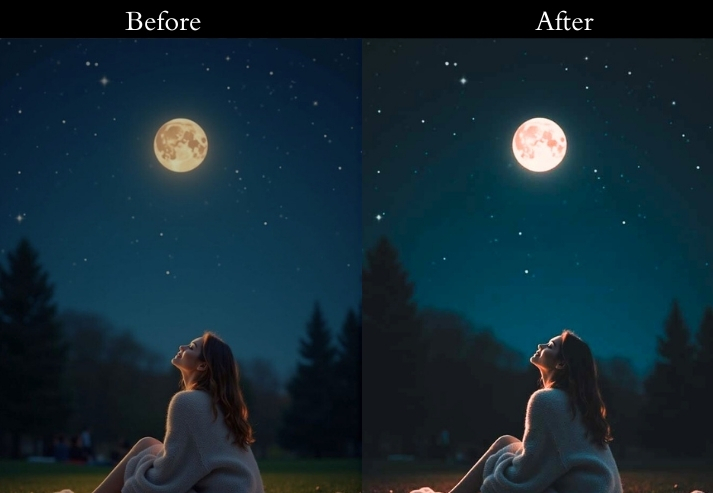
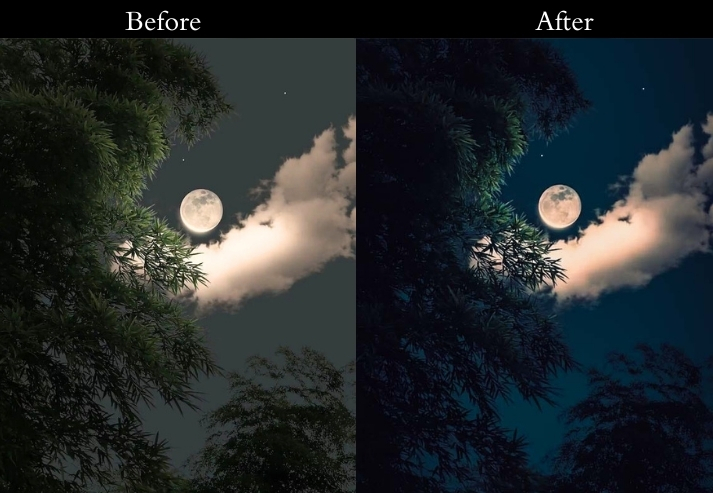
Light Panel: Exposure +0.8 to +1.2 | Shadows +50 to +70.
Color Panel: Temperature −200 to −400 | Vibrance +25.
Effects Panel: Clarity +20 | Dehaze +10.
Detail Panel: Luminance Noise Reduction 40–50.
- Purpose: a dreamy, star-studded painting.
- Best For: Milky Way shots, long-exposure astrophotography, or any starry landscape.
- Usage: night shoot to save time and impress your stargazing buddies.
- Style: Ethereal, cosmic, with a touch of sci-fi sparkle.
2. Urban Night / Cityscape Presets
City night shots feature a mix of light sources: warm sodium streetlamps, cool LED signs, and bluish sky, all in the same frame. Getting a consistent look without color casts blowing out requires careful highlight control and split toning. These urban presets are optimized for scenes shot at ISO 400–1600 with a wide-to-standard focal length.
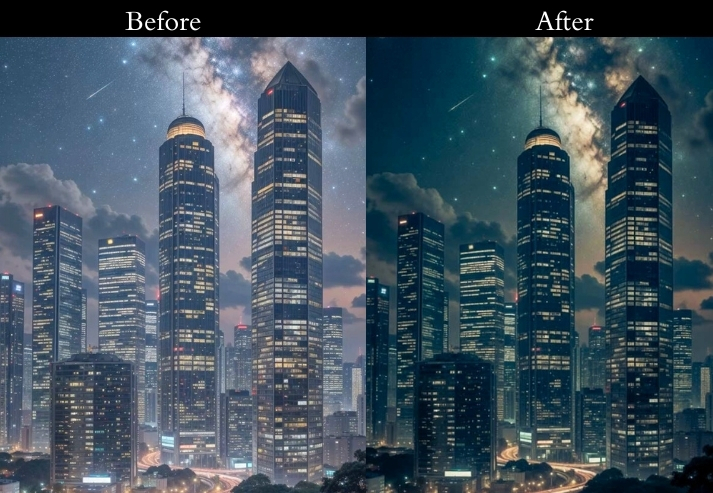
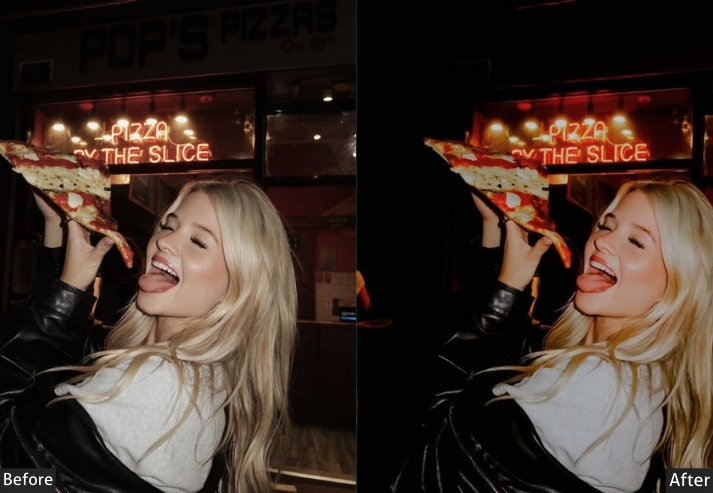
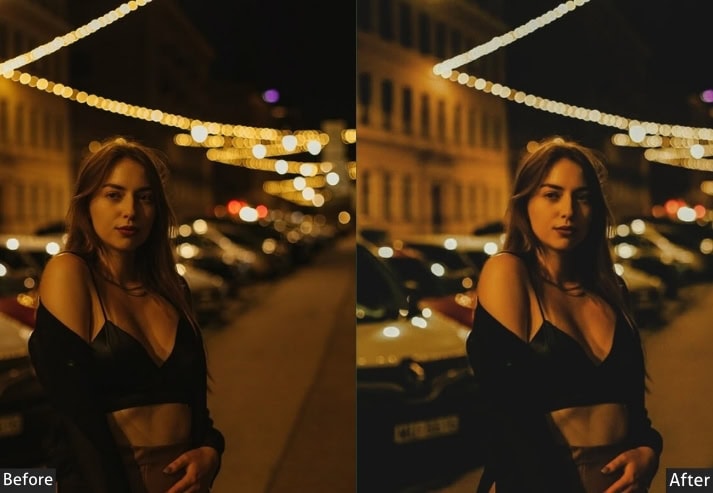
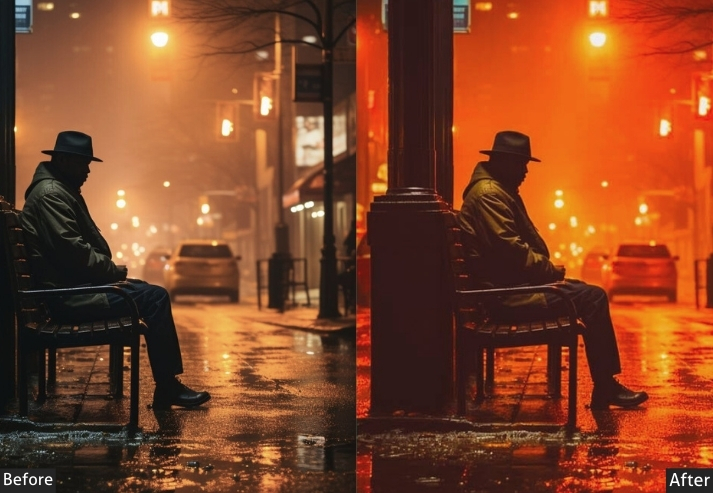
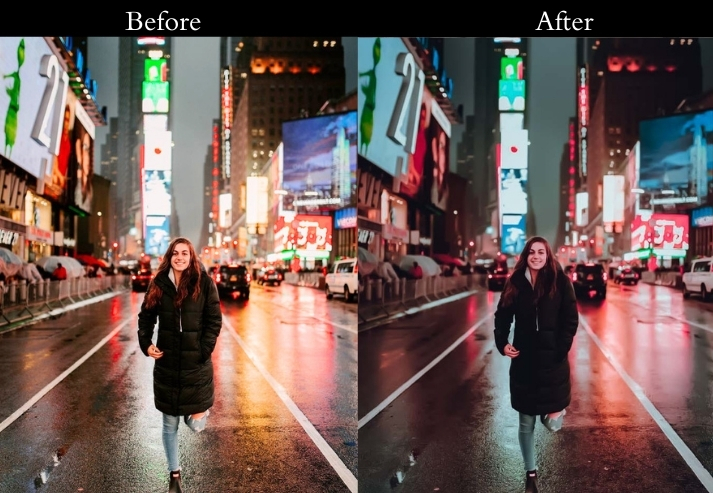
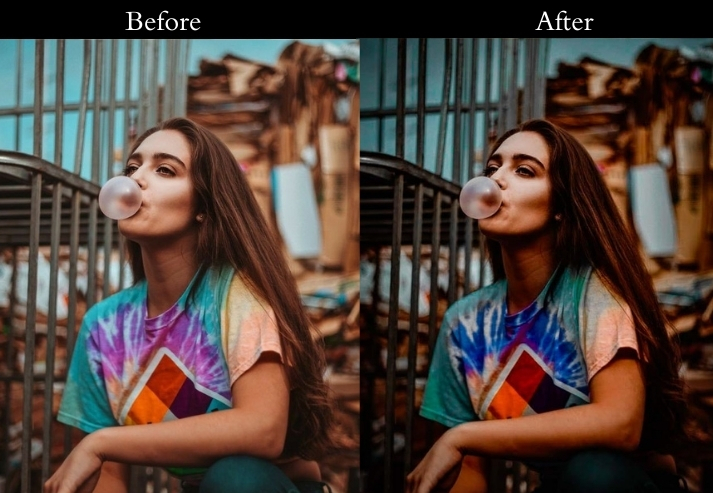
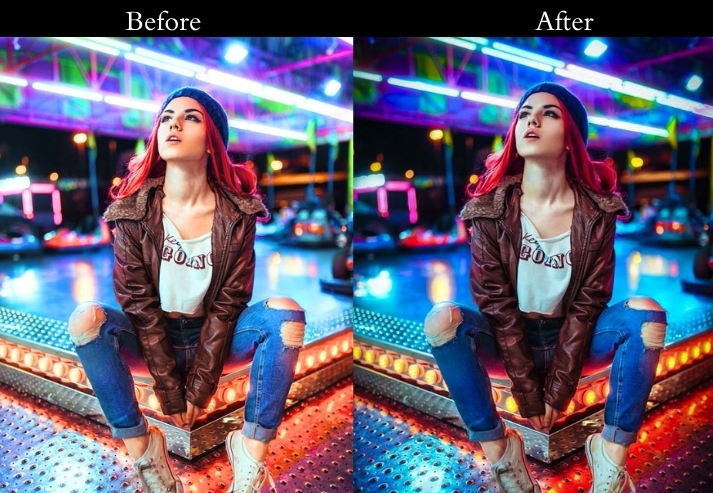
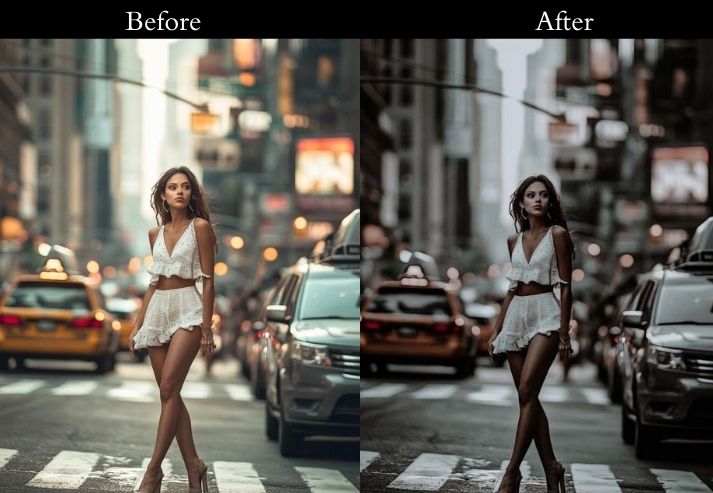
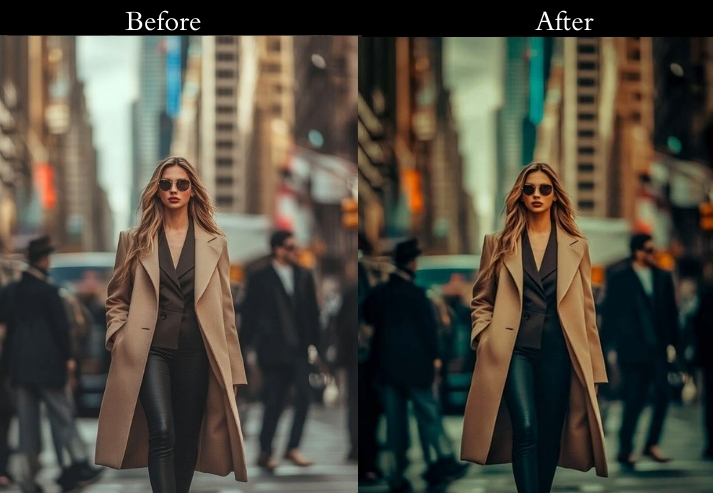
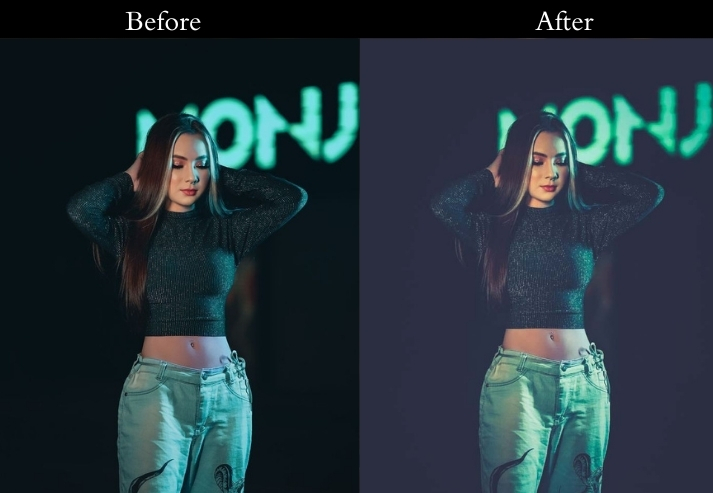
Light Panel: Exposure +15 | Contrast +20 | Highlights −20.
Color Panel: Temperature +15 | Saturation +25 | Blue Shadow Split Tone −10.
Effects Panel: Clarity +30 | Vignette −20.
Detail Panel: Sharpening +35 | Noise Reduction +20.
- Purpose: city nights into blockbuster movie stills.
- Best For: Skylines, street scenes, or anything with artificial lights.
- Usage: travel bloggers or urban explorers.
- Style: Bold, modern, with a futuristic city vibe.
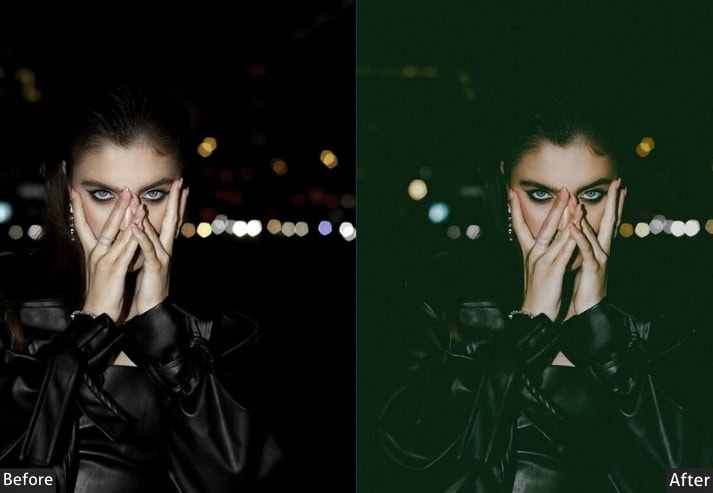
3. Moody Night Portrait Presets
Night portraits require a balance that’s harder to strike than in landscape editing: you need to retain accurate skin tones while still creating a dark, dramatic atmosphere. These presets are designed for subjects lit by a single artificial source, such as a streetlamp, window light, or neon sign, rather than direct flash.
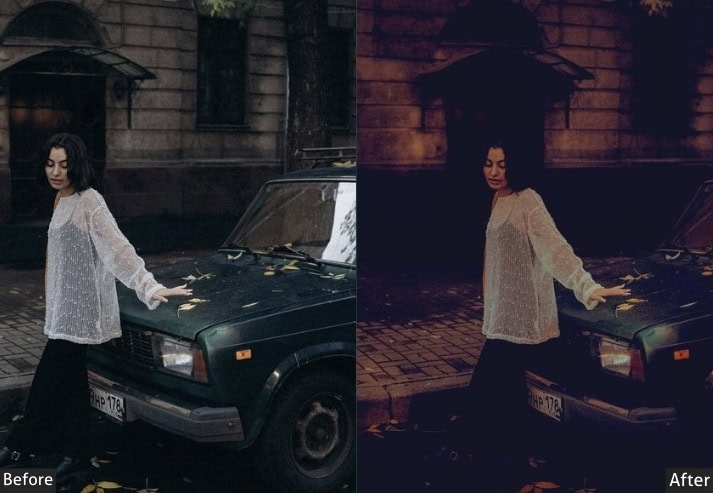
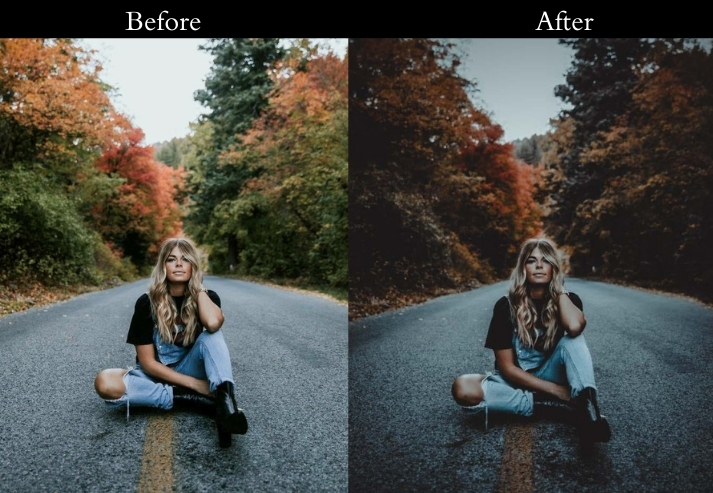
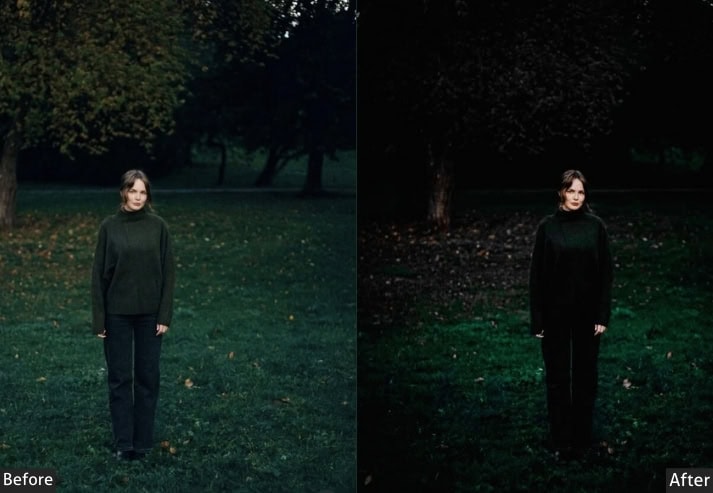
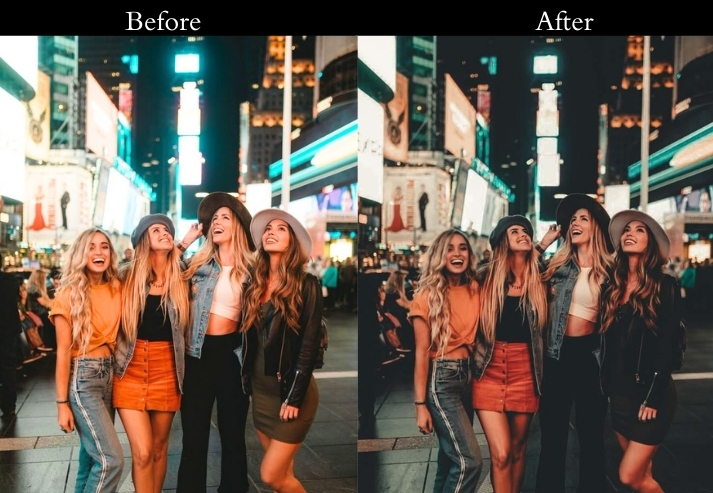
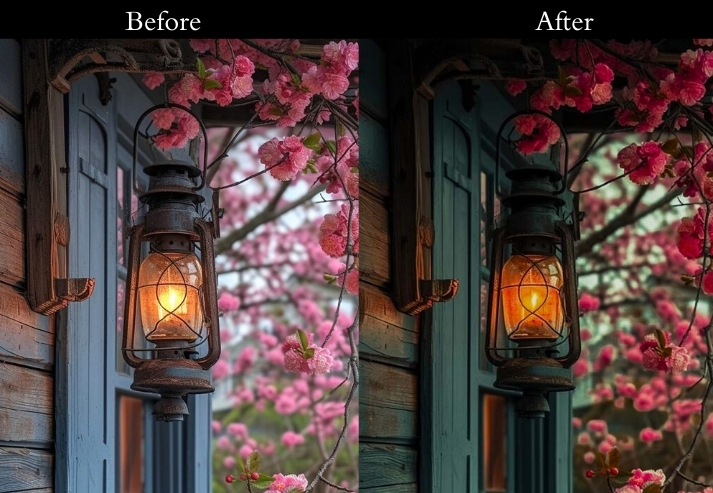
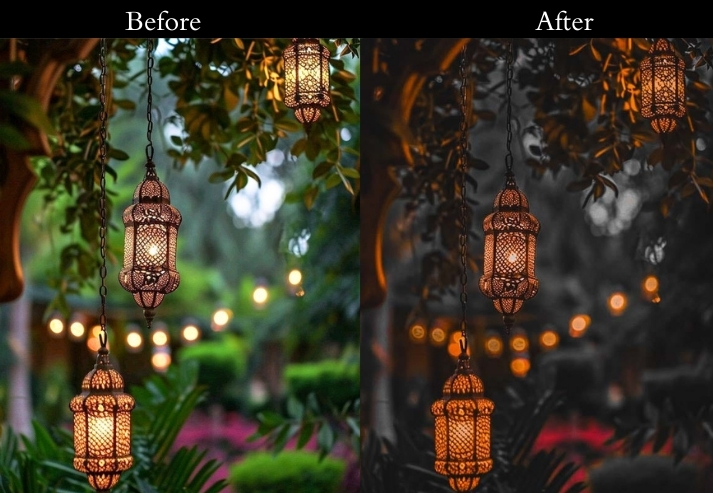
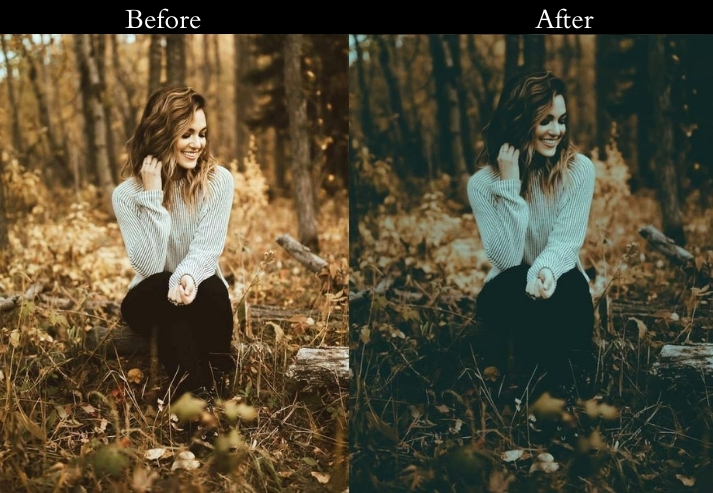
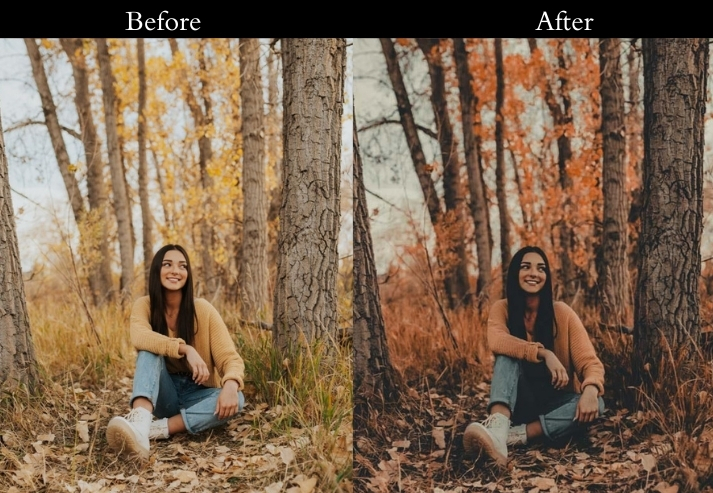
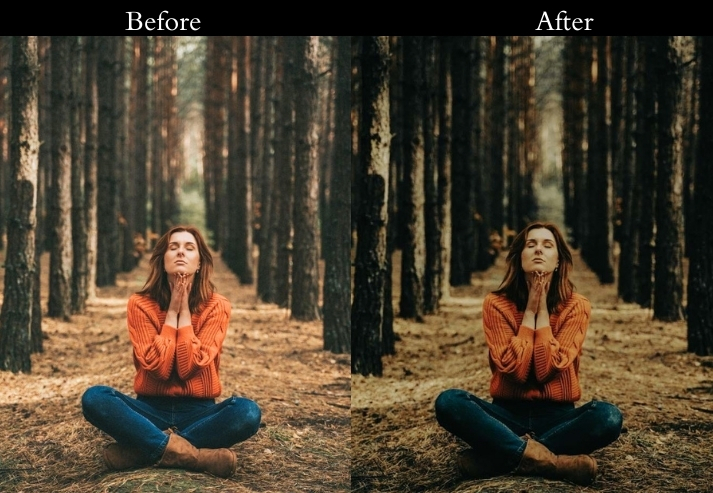
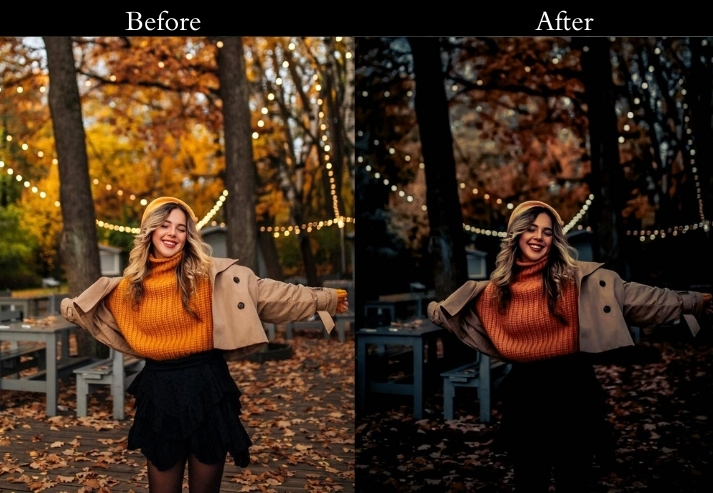
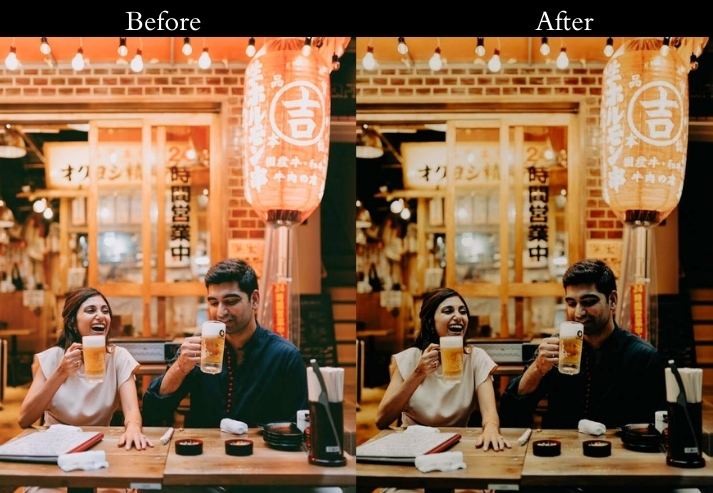
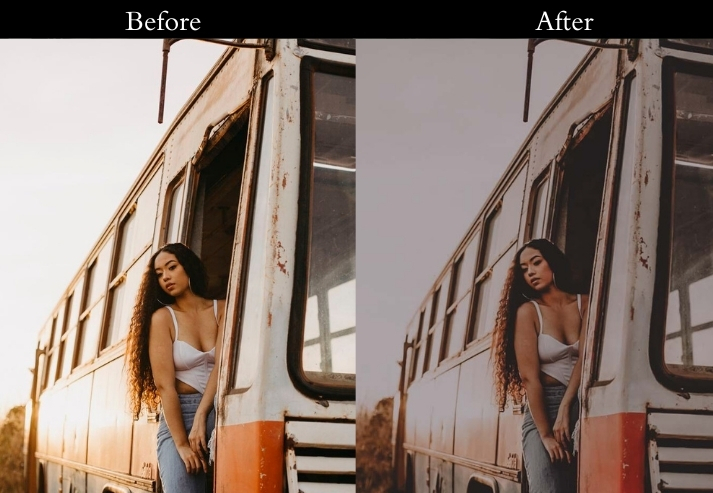
Light Panel: Exposure −10 | Shadows +40 | Highlights −25.
Color Panel: Temperature −15 | Saturation −20 | Green Tint +10.
Effects Panel: Clarity +20 | Vignette −30.
Detail Panel: Sharpening +25 | Noise Reduction +30.
- Purpose: an emotional, cinematic portrait.
- Best For: Nighttime street portraits or low-light candids.
- Usage: artsy, introspective look.
- Style: Dark, moody, with a hint of noir charm.
4. Neon Glow / Cyberpunk Presets
The neon/cyberpunk look works best in scenes that already have strong colored light sources in the frame, such as rain-slicked streets reflecting neon signs, lit storefronts, or LED-lit urban environments. These presets amplify what’s already there rather than fabricating a color that isn’t in the original shot.
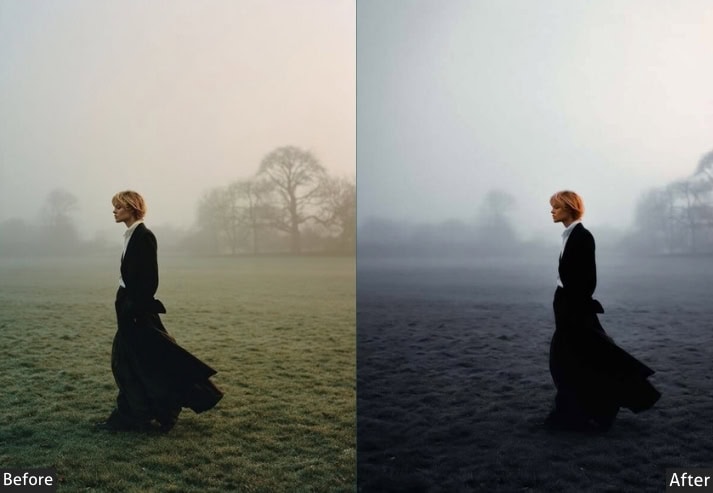
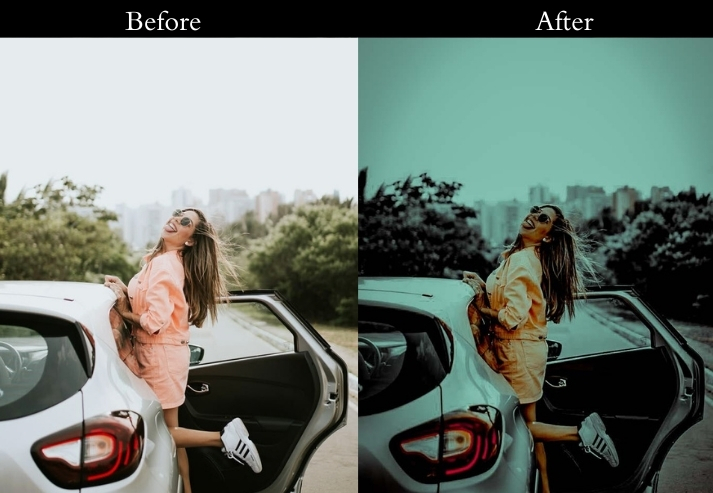
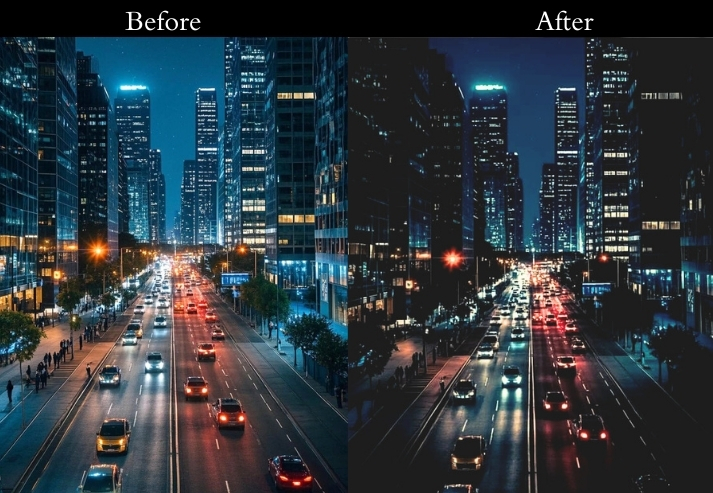
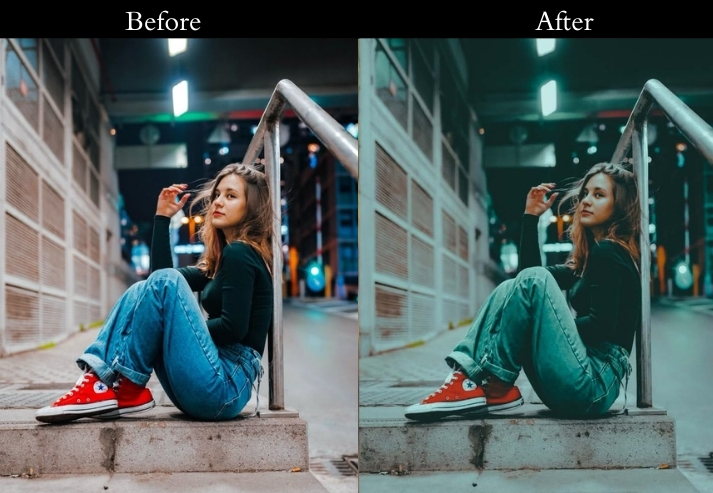
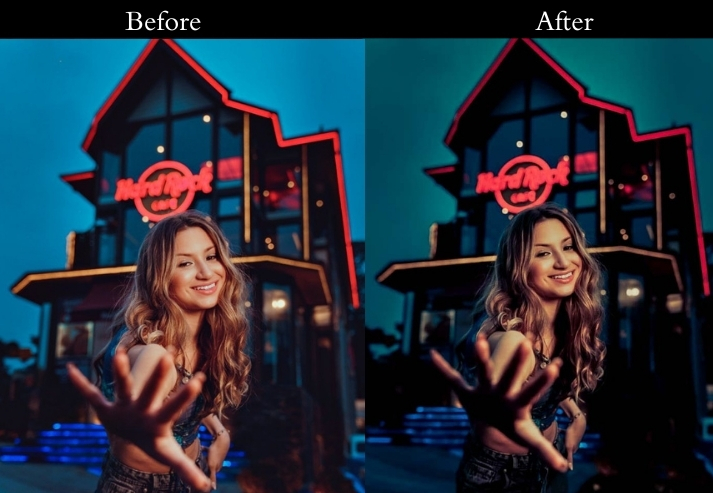
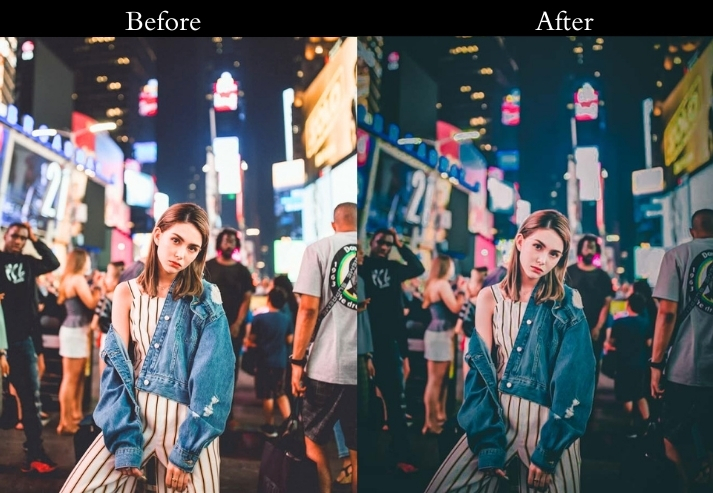
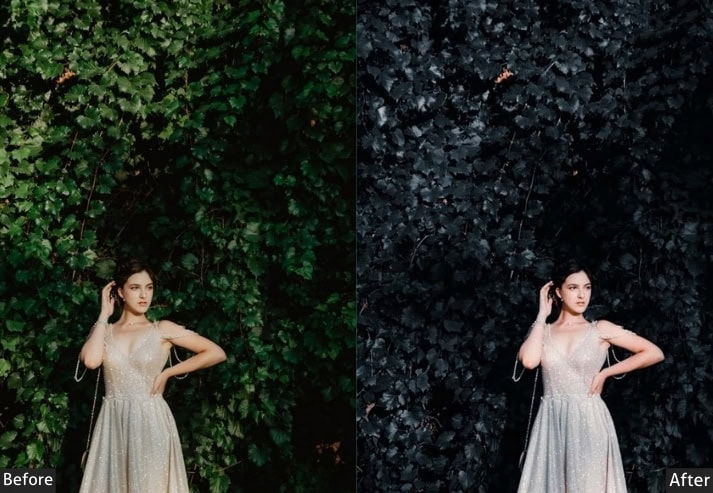
Light Panel: Exposure +25 | Contrast +40 | Highlights 0.
Color Panel: Temperature −20 | Vibrance +50 | Saturation +40 | Pink Highlight Split Tone +15.
Effects Panel: Clarity +35 | Texture +20.
Detail Panel: Sharpening +45 | Noise Reduction +15.
- Purpose: a glowing, sci-fi fantasy.
- Best For: Rainy streets, neon signs, or futuristic city vibes.
- Usage: social media posts or portfolio pieces.
- Style: Vibrant, electric, with a cyberpunk swagger.
5. Black & White Night Presets
Black-and-white night photography is all about the quality of your light sources and the shapes they cast in the frame. These presets are designed to maximize contrast between the light and dark areas while keeping midtone detail in subjects. They work particularly well with scenes that have one dominant directional light source.
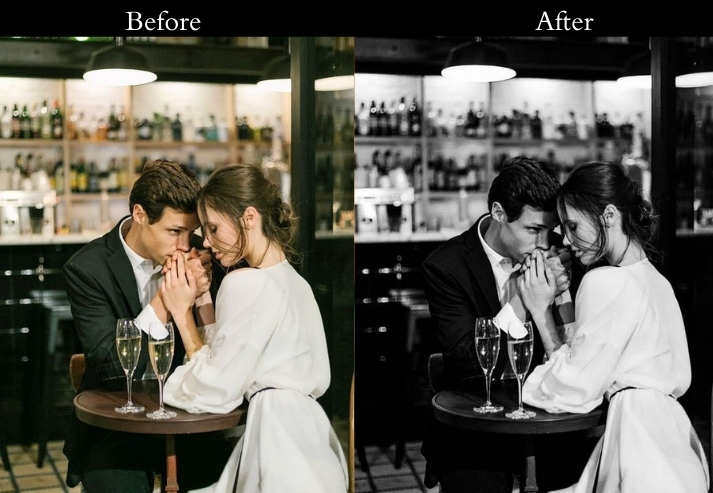
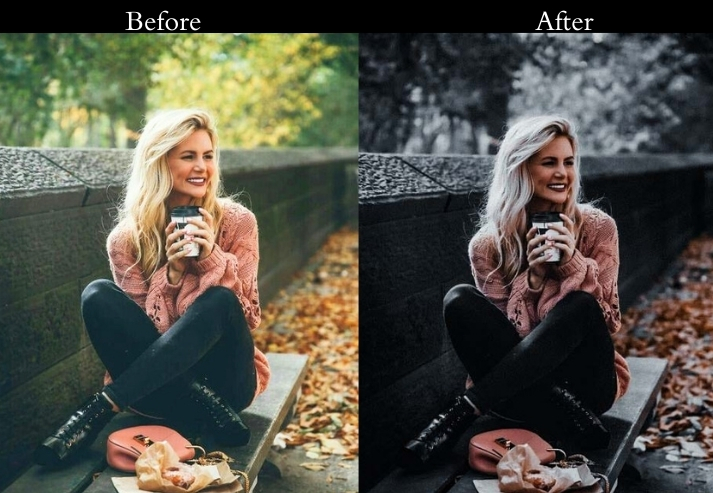
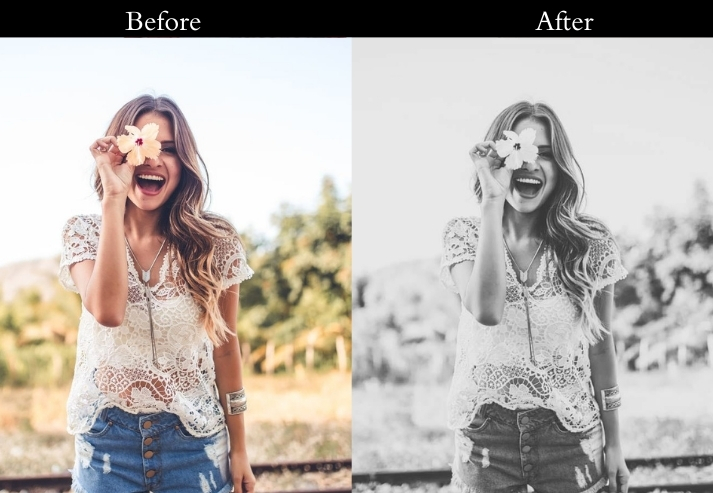
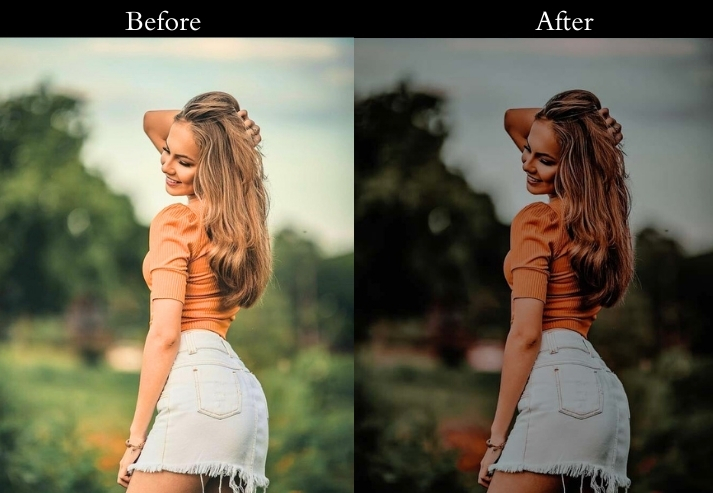
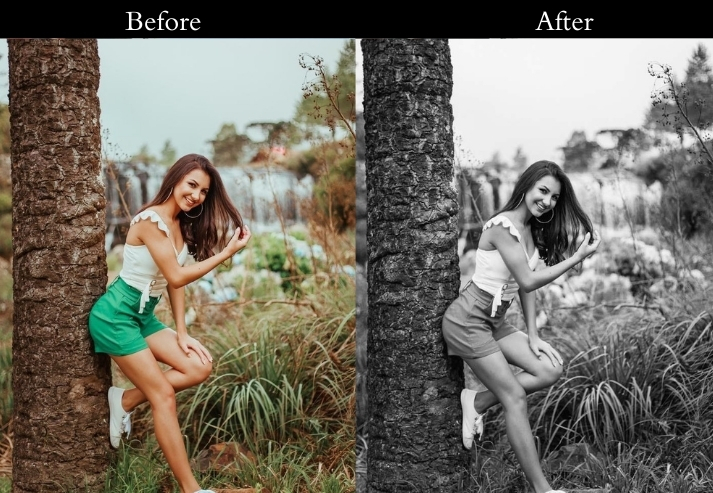
Light Panel: Exposure +20 | Contrast +50 | Shadows −20.
Color Panel: Black & White | B&W Mix: Blue +30 | Yellow +20.
Effects Panel: Clarity +40 | Vignette −25.
Detail Panel: Sharpening +50 | Noise Reduction +25.
- Purpose: a classic, moody twist.
- Best For: Urban scenes, silhouettes, or anything with strong light contrast.
- Usage: minimalist photographers or vintage lovers.
- Style: Timeless, dramatic, with a film-noir soul.
6. Colorful Night Presets
This one is built for scenes where the light itself is the subject: aurora borealis, festival lighting, fireworks, or any night photo dominated by vivid natural or man-made color. The challenge with these shots is usually underexposure and heavy noise, so the preset lifts shadows aggressively while keeping saturation from looking artificial.
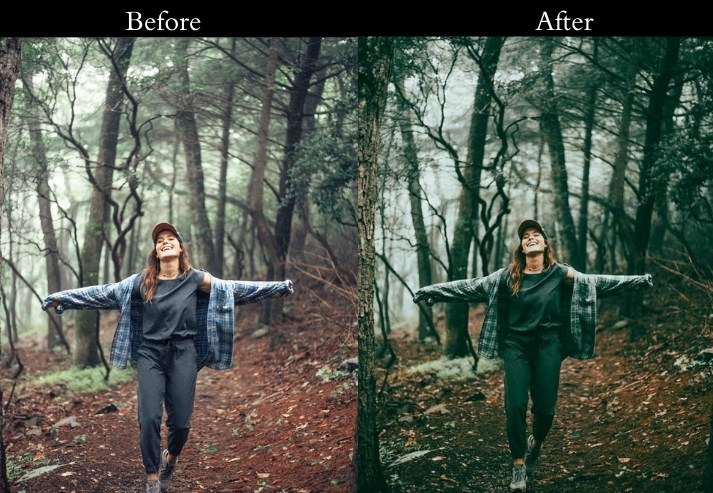
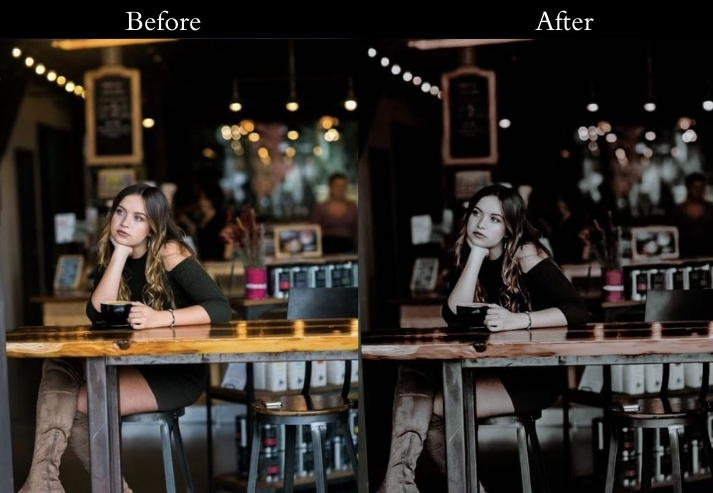
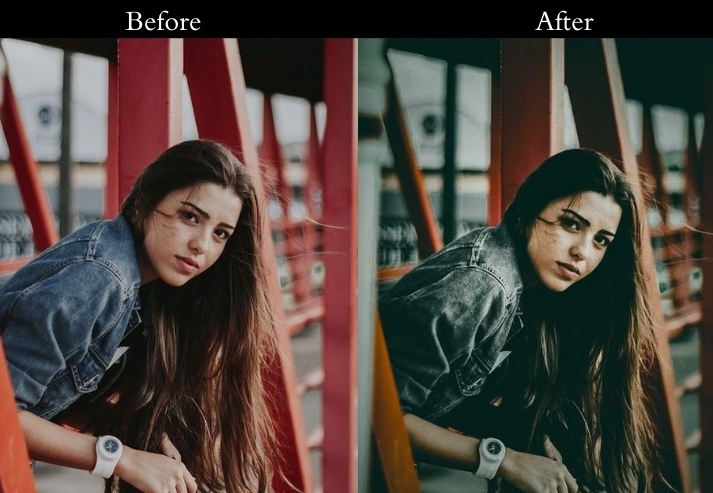
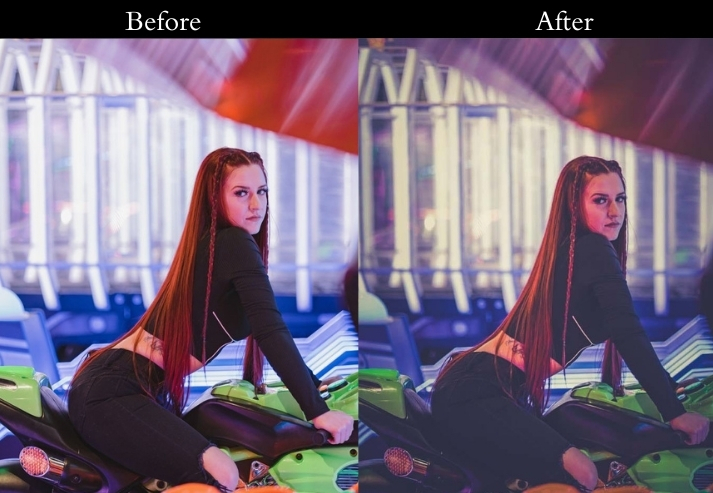
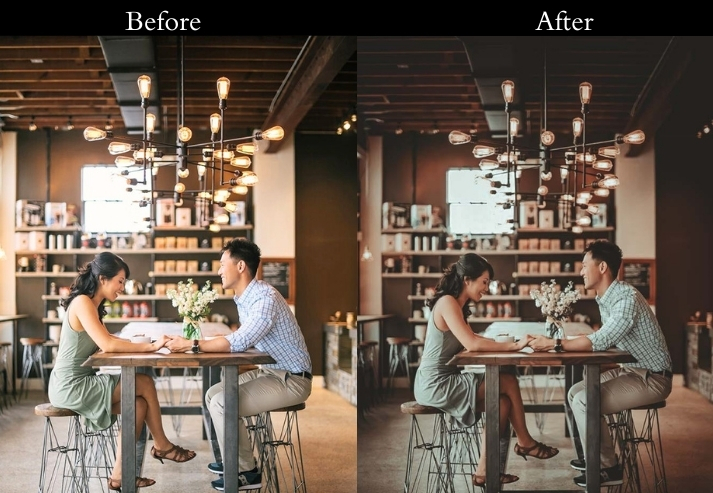
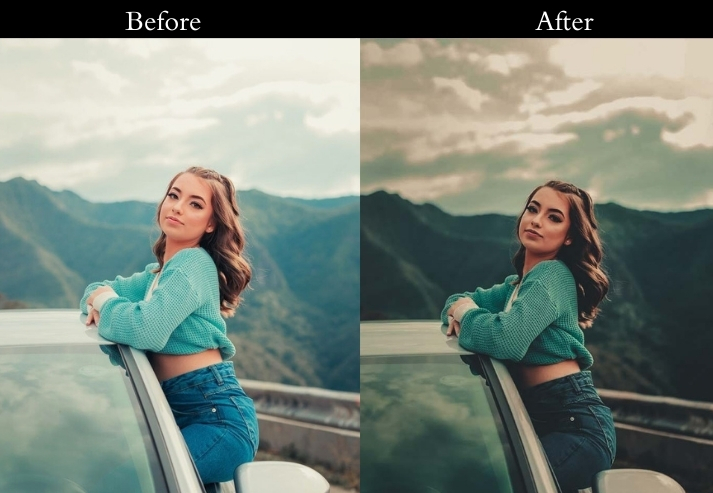
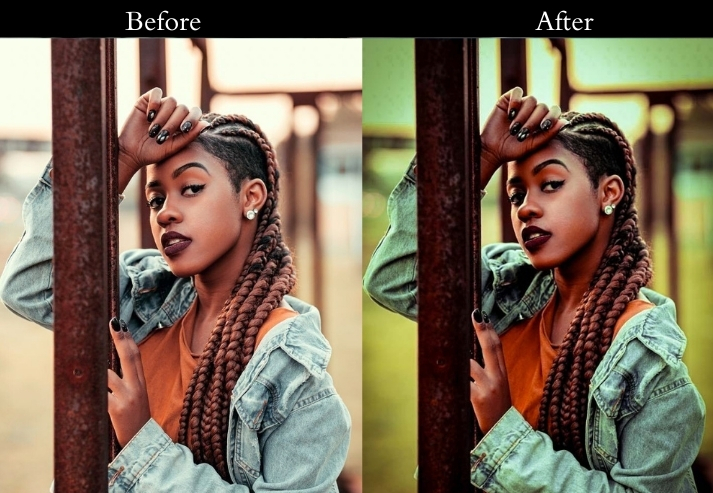
Light Panel: Exposure +30 | Shadows +60 | Highlights −20.
Color Panel: Temperature +10 | Vibrance +60 | Green (HSL) +25.
Effects Panel: Clarity +20 | Dehaze +10.
Detail Panel: Sharpening +30 | Noise Reduction +20.
- Purpose: the surreal beauty of auroras.
- Best For: Northern Lights, Southern Lights, or any celestial glow.
- Usage: nature photographers chasing rare sky events.
- Style: Vivid, mystical, with a touch of wonder.
7. Vintage Moonlight Presets
Moonlit scenes have a very specific quality: cool, soft light, gentle shadows, and a slightly hazy atmosphere. These presets aim to preserve and enhance that natural moonlight character rather than make the image look daylit. They’re designed for scenes where the moon provides the main (or only) illumination.
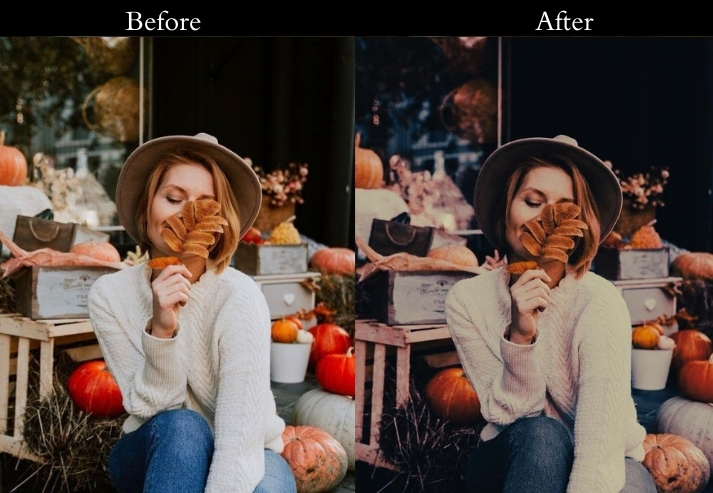
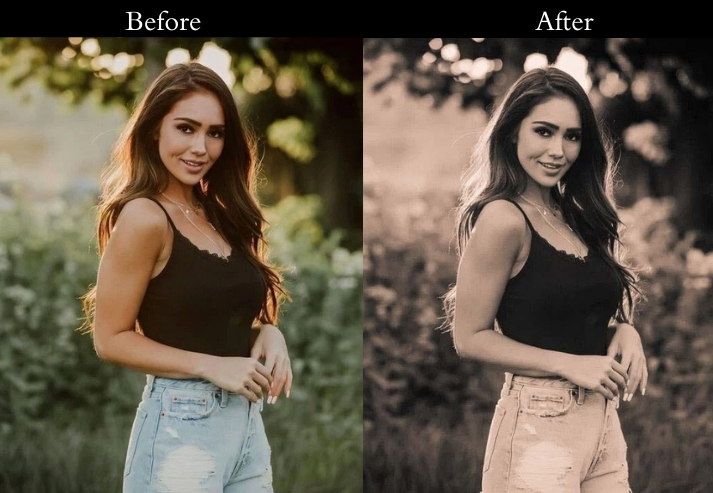
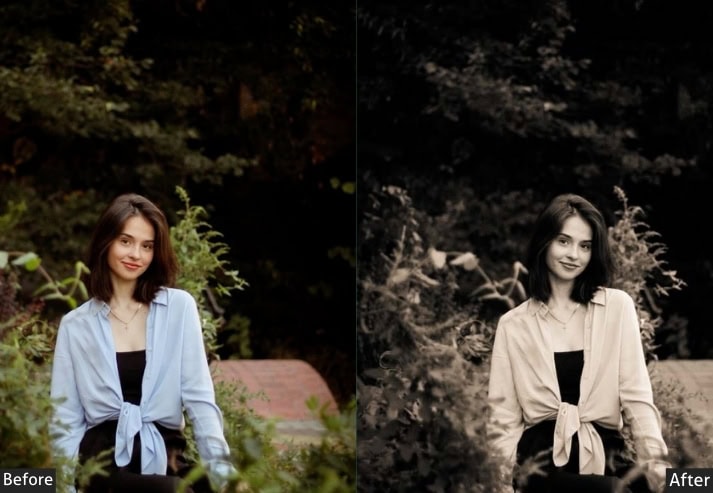
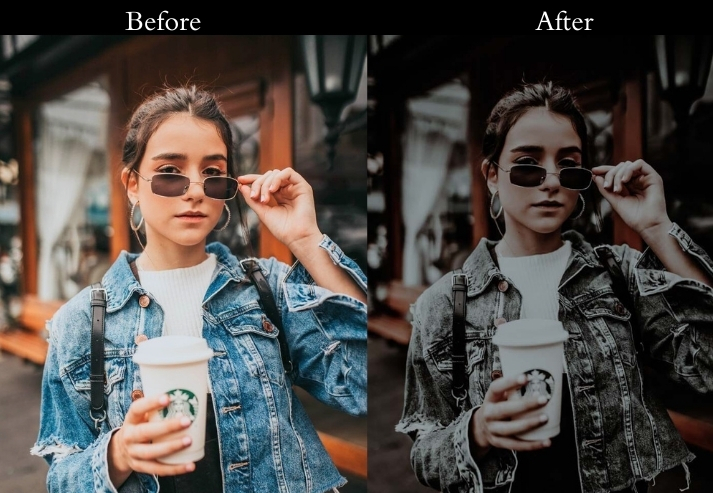
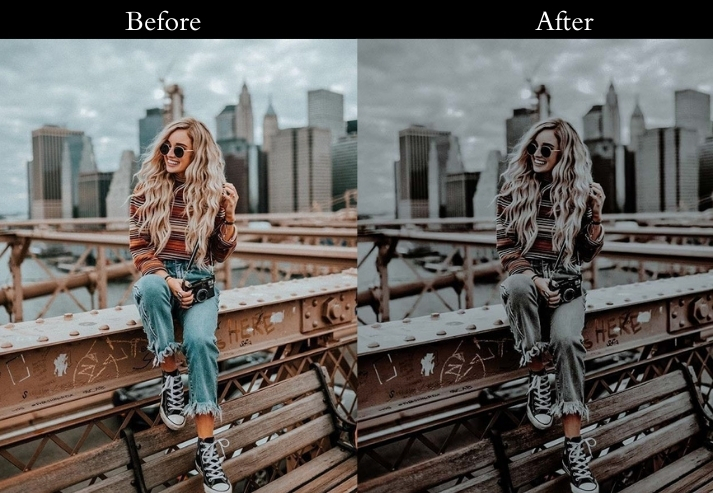
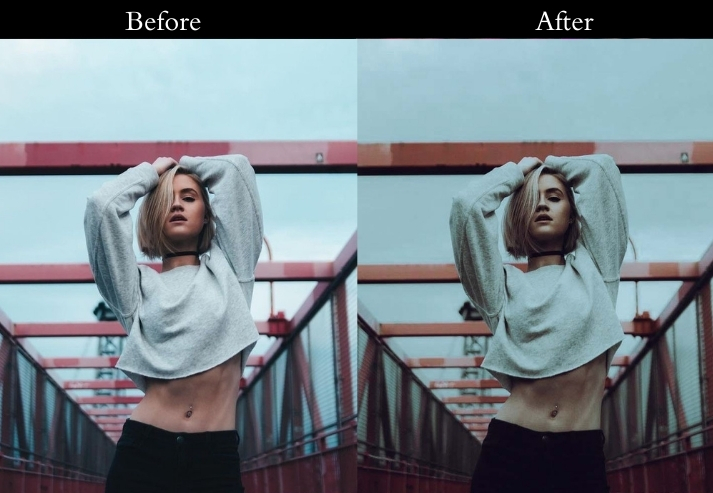
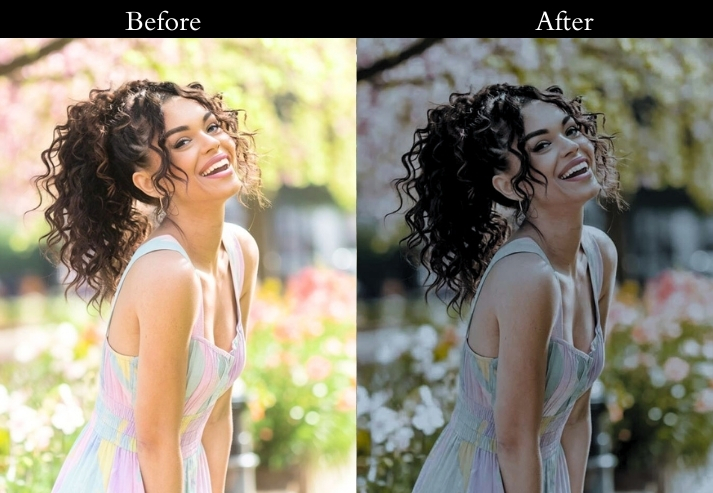
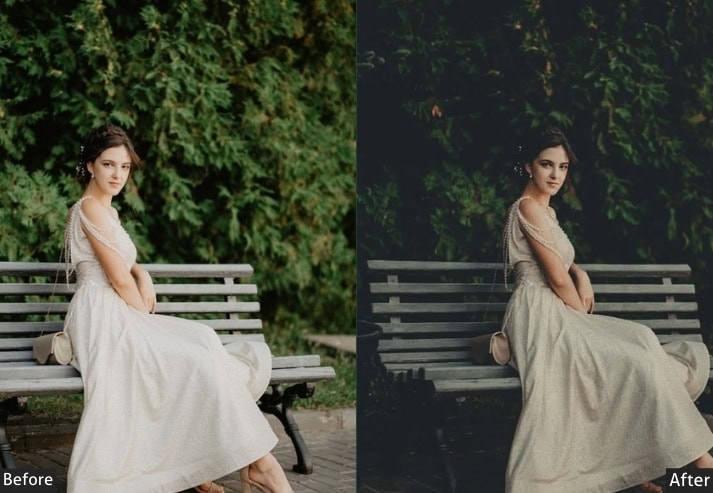
Light Panel: Exposure +15 | Shadows +40 | Contrast −20.
Color Panel: Temperature +20 | Vibrance +15 | Saturation −25.
Effects Panel: Texture +20 | Vignette −15.
Detail Panel: Sharpening +25 | Noise Reduction −10.
- Purpose: a timeless, moonlit nostalgia.
- Best For: Portraits under soft light, landscapes with moonlight, or quiet rural scenes.
- Usage: romantics or anyone craving a throwback aesthetic.
- Style: Soft, sentimental, with a whisper of yesteryear.
8. Soft Glow Presets
Fire and candlelight create a very warm, organic light that most camera sensors struggle to capture accurately. They either over-warm into orange mush or auto-cool it into something that loses all the warmth. These presets preserve the golden-orange quality of firelight while keeping it clean and controllable.
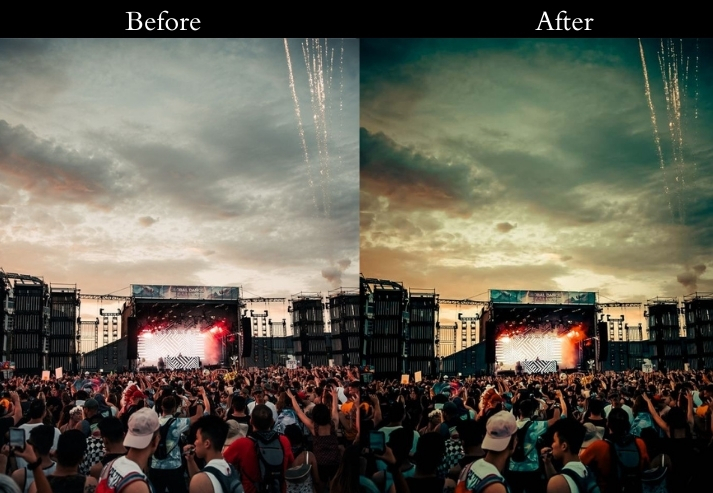
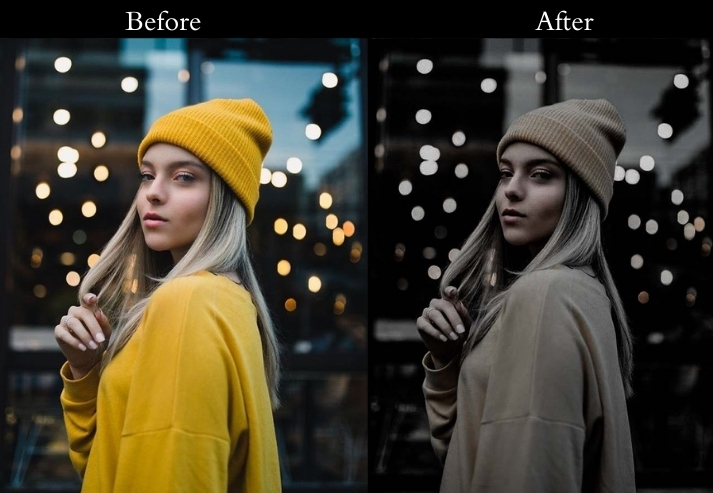
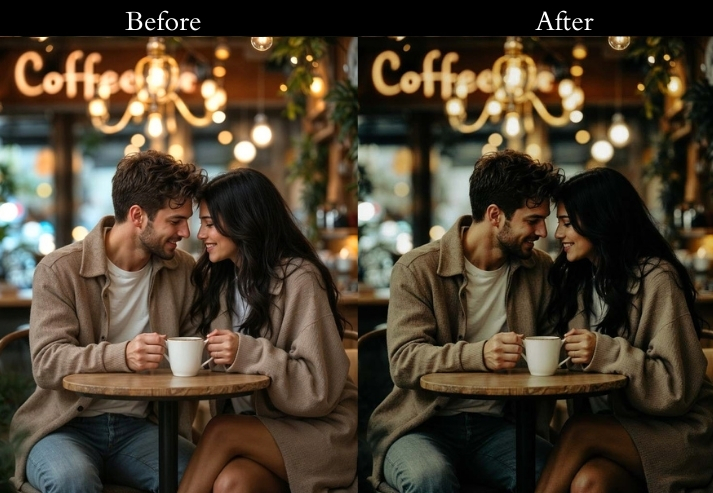
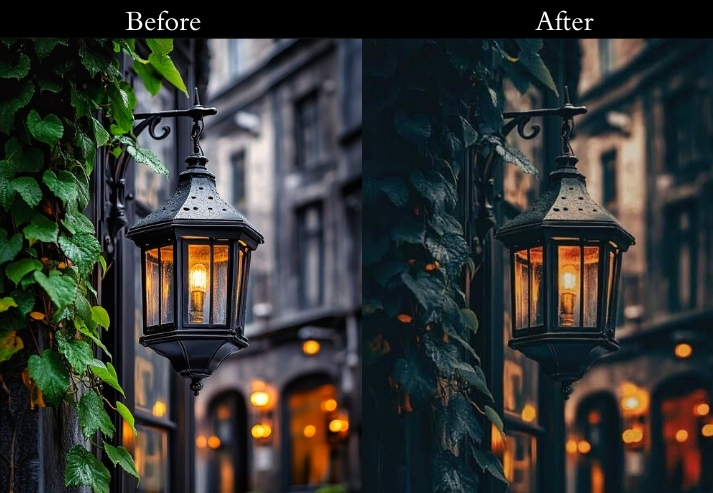
Light Panel: Exposure +25 | Shadows +50 | Highlights −20.
Color Panel: Temperature +35 | Saturation +30 | Red (HSL) +20.
Effects Panel: Clarity +15 | Vignette −20.
Detail Panel: Sharpening +30 | Noise Reduction +25.
- Purpose: the toasty, intimate feel of firelit nights.
- Best For: Campfire scenes, outdoor gatherings, or warm-toned portraits.
- Usage: adventurers or campfire magic.
- Style: Warm, inviting, with a rustic glow.
9. Twilight Haze Presets
Twilight Haze is designed for the brief window between sunset and full dark: the “blue hour” and early night when ambient light is still present but artificial lights have turned on. The combination of soft natural and artificial light in this window creates naturally hazy, layered scenes that these presets enhance rather than fight.
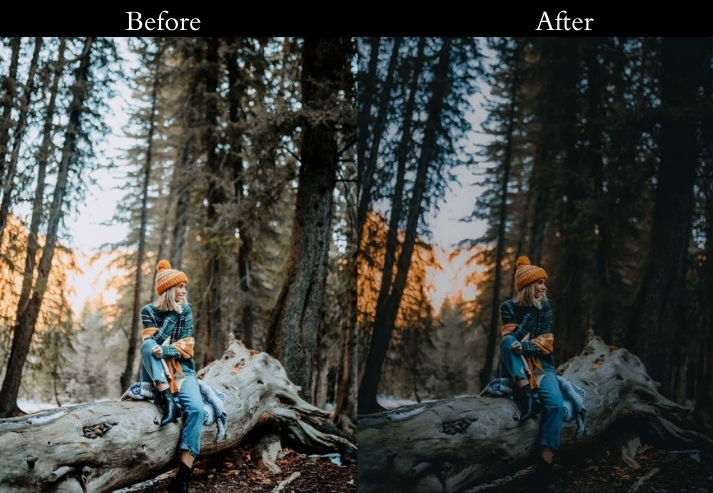
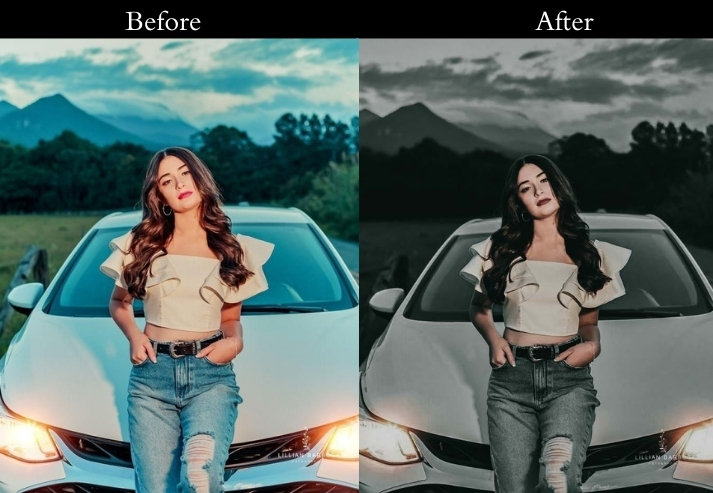
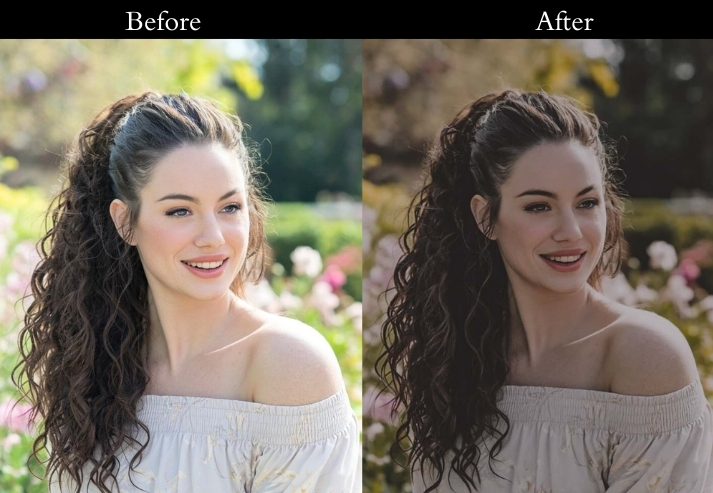
Light Panel: Exposure +10 | Contrast −25 | Shadows +45.
Color Panel: Temperature −15 | Vibrance +20 | Purple Tint +10.
Effects Panel: Dehaze −20 | Clarity −15.
Detail Panel: Sharpening +20 | Noise Reduction +30.
- Purpose: the quiet, mysterious transition from day to night.
- Best For: Landscapes at dusk, foggy streets, or soft-focus night shots.
- Usage: A go-to for dreamers and photographers chasing that “in-between” feel.
- Style: Hazy, serene, with a whisper of enchantment.
10. Deep Night Minimal Presets
The deep-night minimal look is built on deliberate restraint: almost no color, very dark shadows, and sharp focus on the one or two light sources in the frame. It works best in scenes where a single point of light (a streetlamp, an open doorway, a phone screen) creates a strong shape against total darkness.
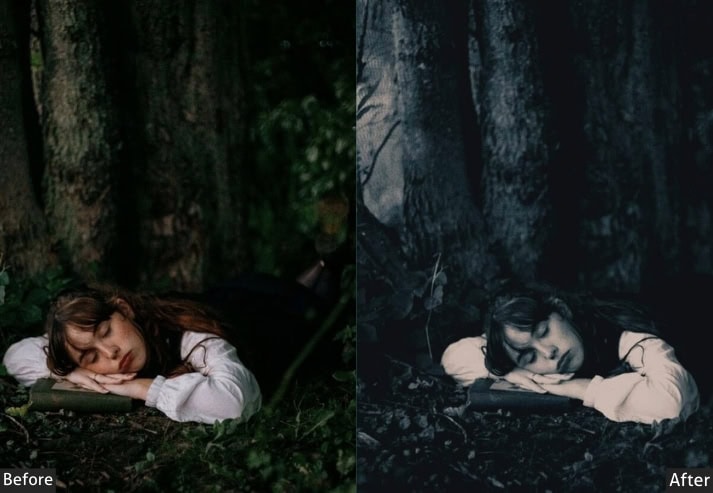
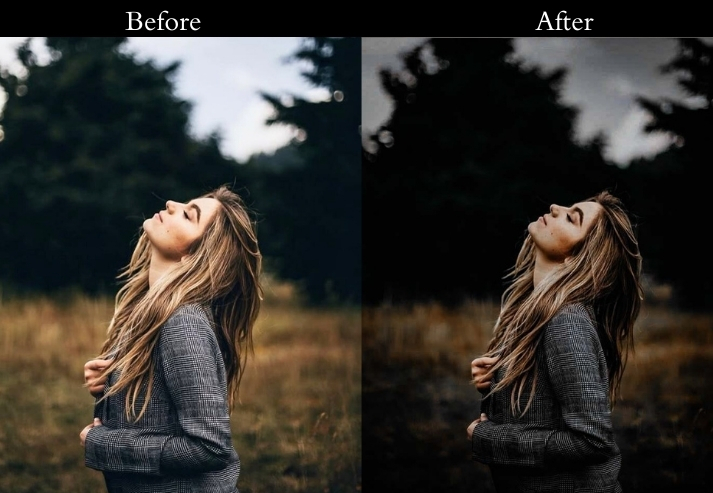
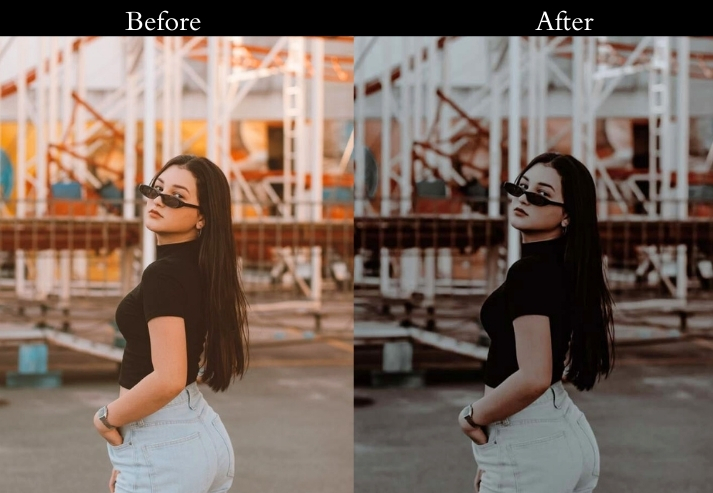
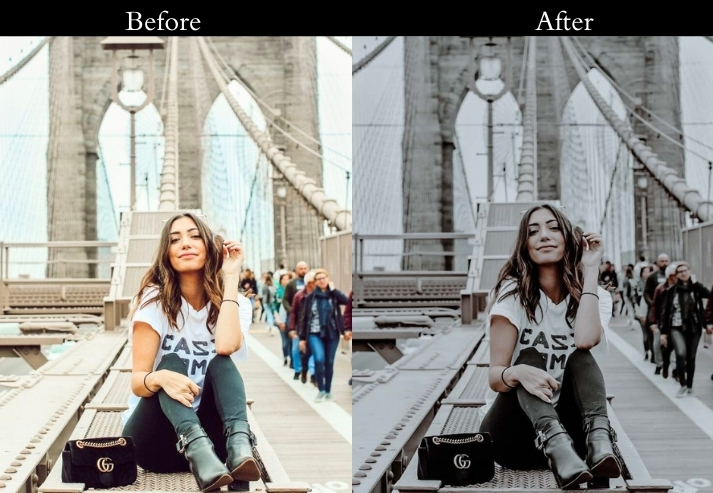
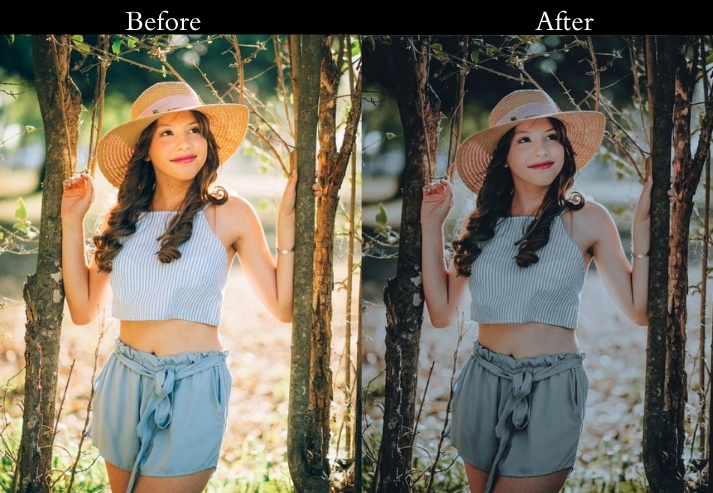
Light Panel: Exposure −15 | Contrast +60 | Blacks −40.
Color Panel: Temperature −20 | Saturation −30 | Blue (HSL) +15.
Effects Panel: Clarity +40 | Vignette −35.
Detail Panel: Sharpening +50 | Noise Reduction +20.
- Purpose: striking, minimalist night shots with maximum impact.
- Best For: Silhouettes, lone light sources, or high-contrast urban scenes.
- Usage: artists who love bold simplicity.
- Style: Stark, sleek, with a modern minimalist punch.
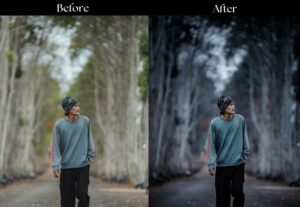
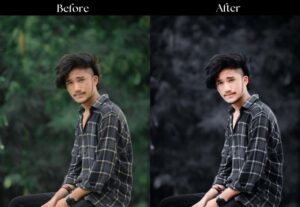
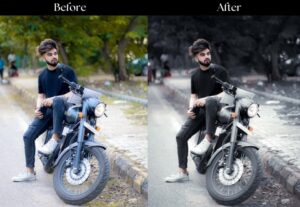
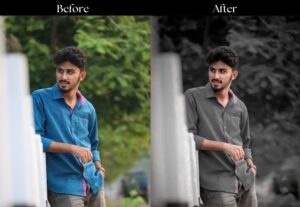
Bonus: 30+ Dark Presets
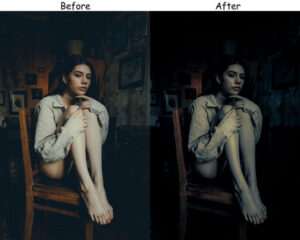
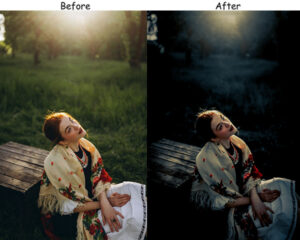
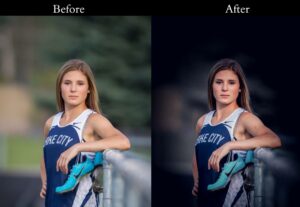
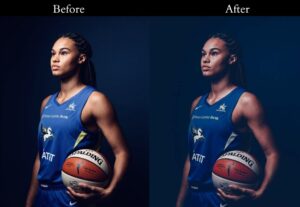
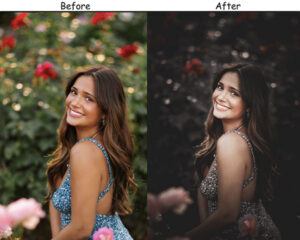
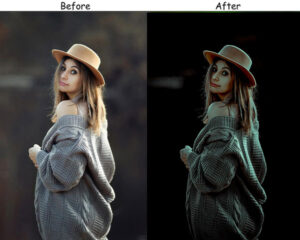
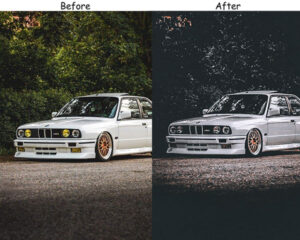
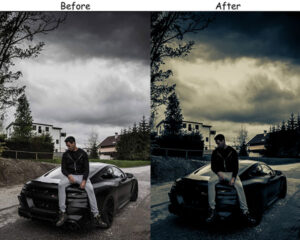
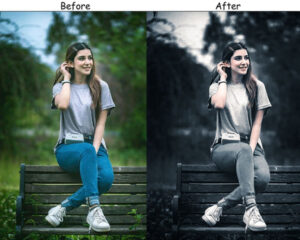
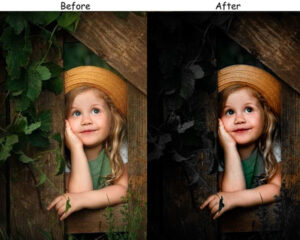
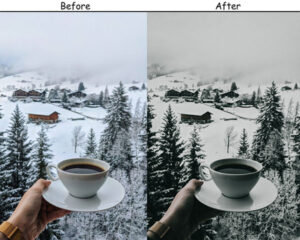
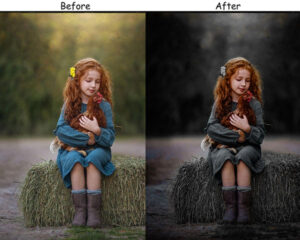
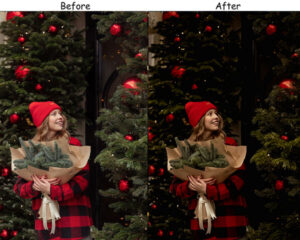
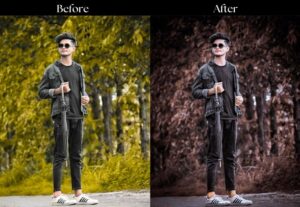
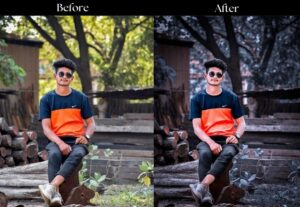
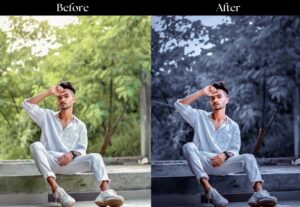
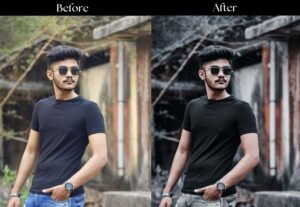
Looking for presets with a darker, moodier base tone that works across multiple shooting styles, not just night photography? The 30+ Dark Presets below are designed as versatile everyday editing tools with a consistently deep, controlled tone.
Final touch
Every preset in this collection is a starting point, not a finished result. Night photography varies enormously depending on your camera, your sensor’s ISO performance, your focal length, and the light sources in the scene. The most important habit to develop is adjusting Exposure and White Balance after applying any preset, since those two values vary the most between individual shots.
If you’re consistently finding that presets make your photos look over- or underexposed, check your camera’s metering mode. Night photography works best with spot metering, or manual exposure: matrix/evaluative metering tends to underexpose dark scenes significantly.
More Free Presets For You:
Dark Lightroom Presets Free Download
Sports Lightroom Presets Free Download
Orange Teal Lightroom Presets Free Download